In short
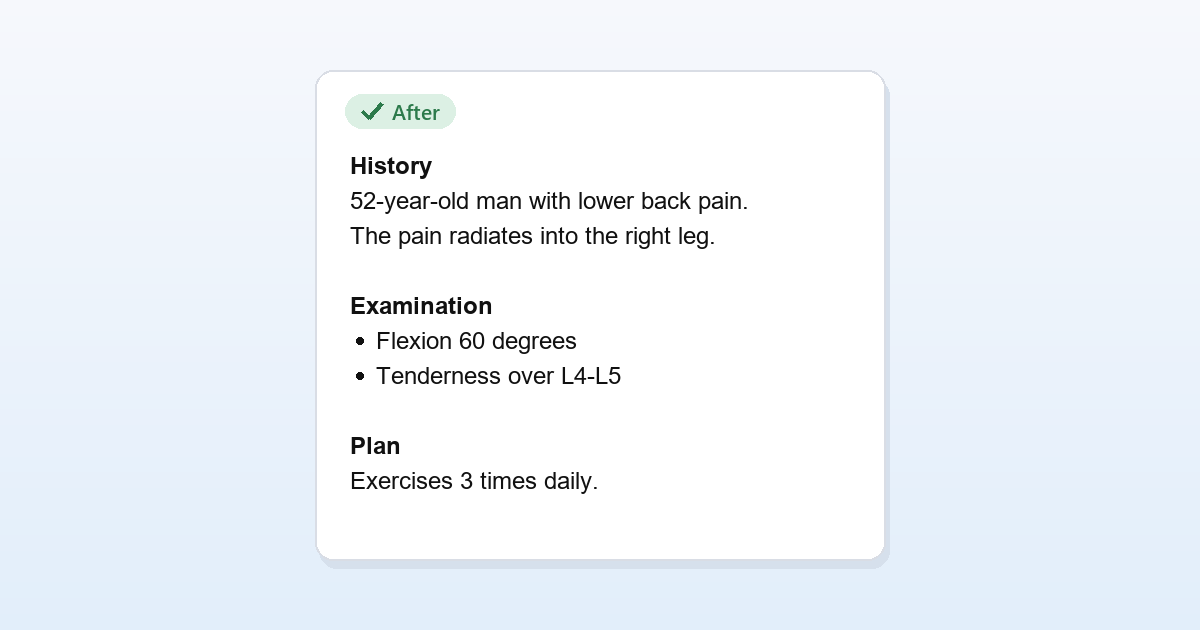
When you copy a note from Voicare, headings now stay bold, bullet lists stay bullet lists and characters such as æ, ø and å come through correctly. The empty line under each heading is gone, so notes take up less space. Reload the page (Ctrl+R) to copy with the new version.
What's new?
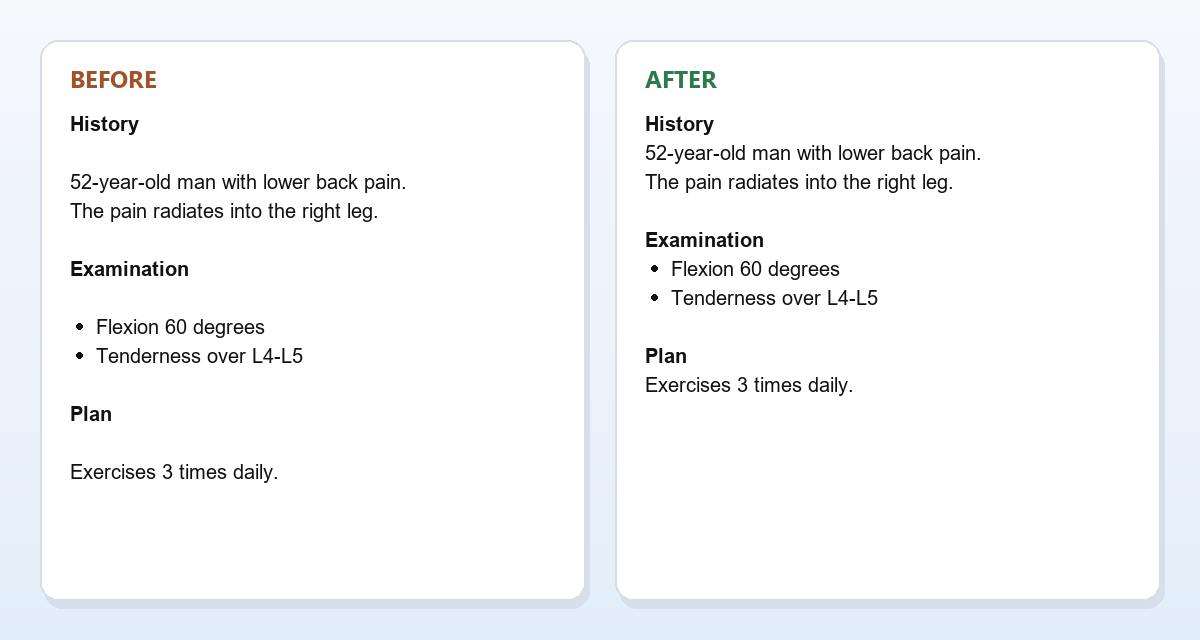
- Bold headings. When you copy as HTML, headings are bold in normal case.
- No empty line under headings. The text starts on the line right below. There is still one empty line between sections.
- Special characters intact. Some EHRs showed å as „Ã¥“. The copy now tells the system which character set to read.
- No double spacing in Word and Google Docs. Spacing is the same wherever you paste.
Before and after
The same short note, pasted into an EHR before and after the update:
How to use it
- 1Open the note in Voicare.
- 2Choose copy as HTML if your EHR shows formatted text. If it only accepts plain text, use the normal copy.
- 3Paste with Ctrl+V or right-click → Paste.
Plain text cannot be bold, so in a plain-text copy headings are written in CAPITALS to stay easy to find. The empty line under each heading is gone there too.
Tested in a hospital EHR
We tested the new copy in Sundhedsplatformen, the Epic-based EHR used by Danish regions, together with physiotherapists in Region Zealand. Bold headings, bullet lists and special characters came through correctly, with both Ctrl+V and right-click → Paste.
Don't see the change?
Reload the page in your browser (Ctrl+R, or Cmd+R on a Mac). A tab that has been open for a long time keeps copying with the old version until you reload.
Something looks wrong in your EHR? Write to support@voicare.ai with the name of the system, ideally with a screenshot, and we'll adjust the copy.